✈️ Travel Sale | Buy 2, Get 1 FREE
Shop Now

Welcome to Your
Spotminders Passport Cover

Easily set up your Spotminders Passport Cover and keep your most important travel document safe and always within reach.

01

Unbox Your Passport Cover

  • Open the package and remove your Spotminders Passport Cover.
  • Ensure you have the cover, a quick-start guide, and any included accessories.
02

Insert Your Passport

  • Slide your passport securely into the Spotminders Passport Cover.
  • Make sure the fit is snug so it stays protected during your travels.
  • Optionally, use the extra slots to store SIM cards, travel cards, boarding passes, or other essentials for quick access on the go.
03

Connect Your Passport Cover with Apple Find My

  • Open the Find My app on your iPhone or iPad.
  • Tap on “Add Item” and select  “Other Supported Item”.
  • Press and hold the button inside the Passport Cover until you hear a beep.
  • Follow the on-screen steps to connect your Passport Cover to the Apple Find My network.
04

Test Your Passport Cover

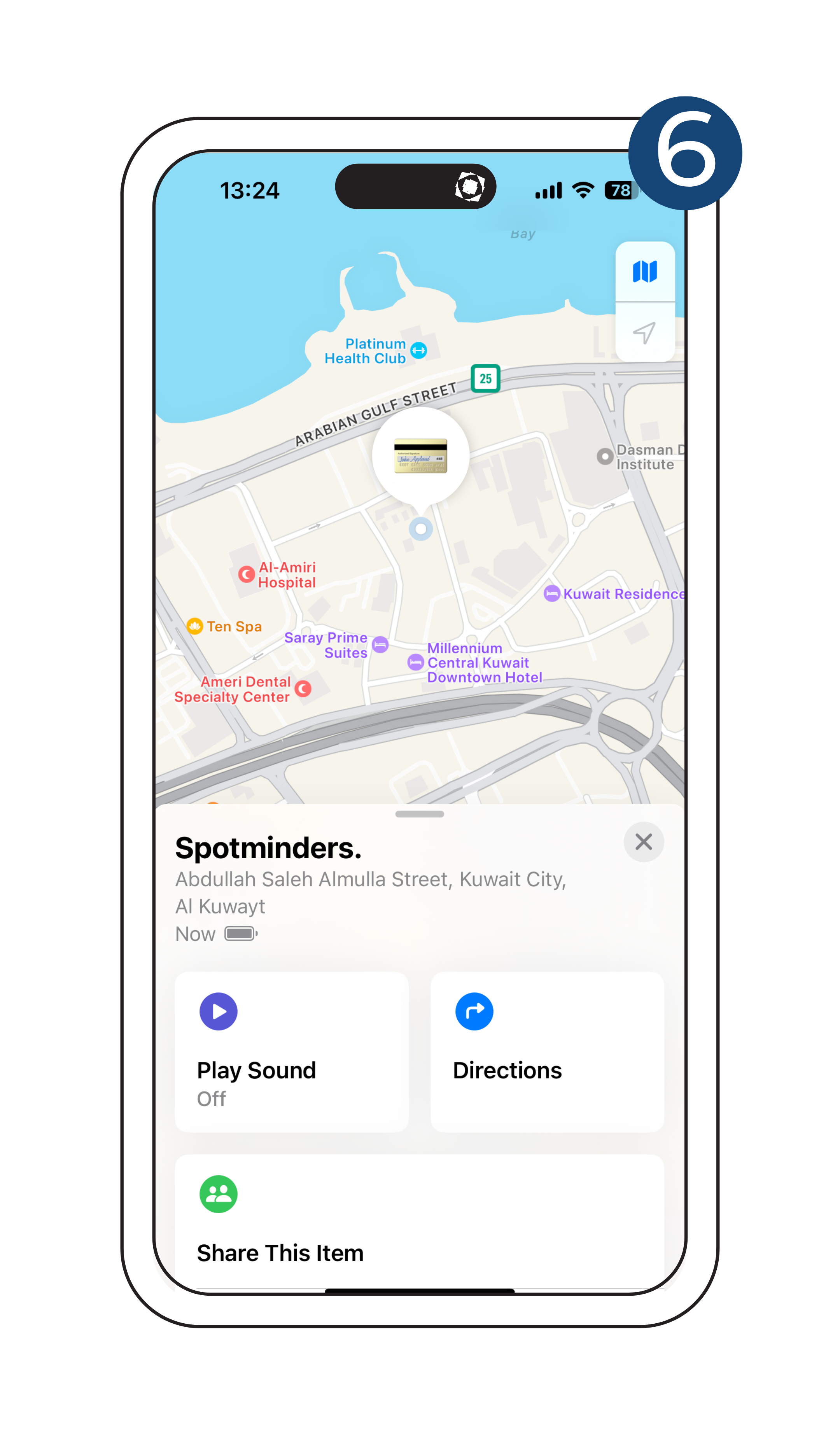
  • Use the Find My app to play a sound or view your Passport Cover’s location on the map.
  • Confirm it responds correctly — so you’ll always know where your passport is.
  • You’re ready to travel with peace of mind.
Setup Guide Contact Icon

Contact Us

Have questions or need assistance with your Passport Cover? We’re here to help!

Help Center

Scan to access this guide anytime

Use the QR code below to quickly revisit this set-up guide or share it with a friend.

Setup QR

Smart Essentials To Ease Your Daily Life

Explore Our Range

Smart Tag

Smart Tag

The smart tag is your everyday companion for staying organized and stress-free.

Shop now
Wireless Charger

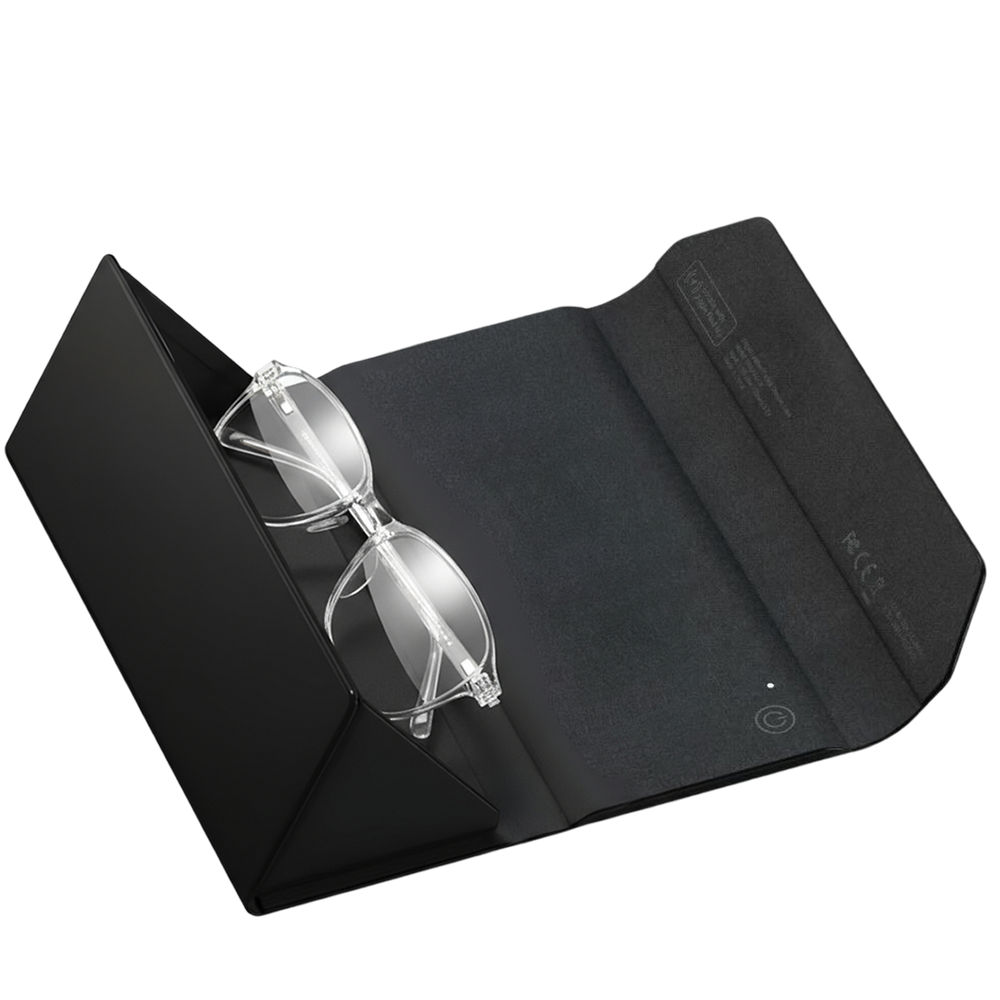
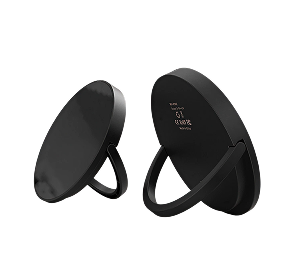
Wireless Charger

Our wireless charger delivers fast, seamless charging in a sleek, minimalist design.

Shop now
Smart Lock

Smart Lock

The smart lock secures valuables with a 3-digit code and lets you find it fast using Apple Find My.

Shop now
Tracking Card

Tracking Card

The tracking card fits into your wallet or passport holder, helping you locate your essentials.

Shop now

Frequently asked questions

How do I set up my Passport Cover?

Press and hold the button inside the cover until you hear a beep. Then open the Find My app on your iPhone or iPad → tap Add Item → Other Supported Item and follow the on-screen steps.

Can I store more than just my passport?

Yes. The cover has dedicated slots for SIM cards, travel cards, and boarding passes — so you can keep all your travel essentials together.

How long does the battery last and how do I charge it?

The Passport Cover runs up to 4–5 months on a single charge. When it’s time to recharge, simply place it on any Qi or MagSafe wireless charger — a quick 2-hour charge powers it for months.

How do I know if my Passport Cover is on?

Double-press the inside button. If it beeps, the device is active. If not, press and hold for 5 seconds to power it on.

What happens if I lose my passport with the cover?

Open the Find My app to see its location. You can also enable Lost Mode to display your contact details for whoever finds it.

Can I use it worldwide?

Yes. It works seamlessly with Apple’s Find My network — hundreds of millions of devices worldwide help locate your cover, wherever you travel.

How is my privacy protected?

Location data is encrypted and anonymous. Neither Apple, Spotminders, nor anyone else can see your history or the identity of devices that help find your Passport Cover.

Can the Passport Cover play a sound?

Yes. In the Find My app, tap Play Sound and your cover will beep, making it easier to locate quickly.

How can I contact customer support for assistance?

For any inquiries or assistance regarding Spotminders products, including the Passport Vover, please reach out to our customer support team via email at support@spotminders.com or through our website's contact form. We're here to help!